Security for High-Stakes Data

Designed for the highest levels of sensitivity — with encrypted data infrastructure, isolated clouds, and full audit controls
Data Privacy

Indexing Your Private Data

We do not store your data
Terminal X Agents read private data from client’s data storage (cloud services like S3, snowflake, databricks, etc.) directly, without storing the data.
On-demand live indexing & retrieval
Terminal X indexes and searches the meta descriptions real-time, not the original document(s). Our agents system stores the metadata and descriptions that can locate the doc ID, upon relevant User Query.

Finance AI built for enterprise scalability and trust

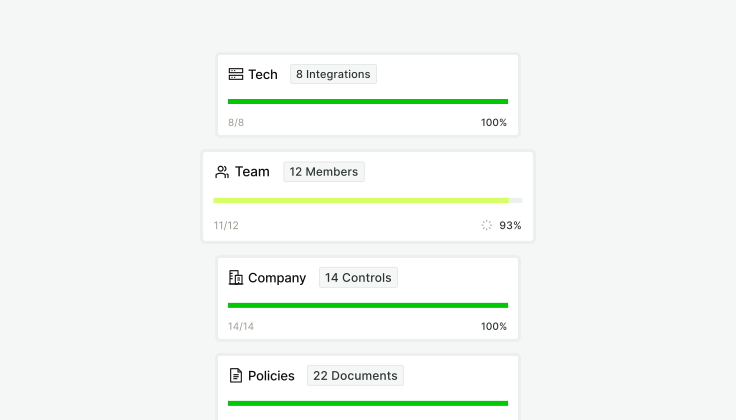
SOC 2 Type II audited

AICPA SOC-2 Audited

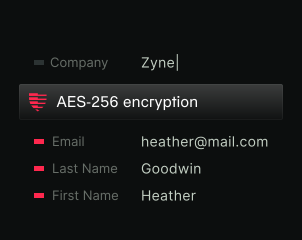
AES‑256 encryption

End-to-end encryption

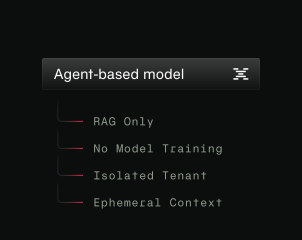
No models trained on data

On-Demand Data Indexing

Admin Governance & Permissions

Custom Data Governance

Data Security

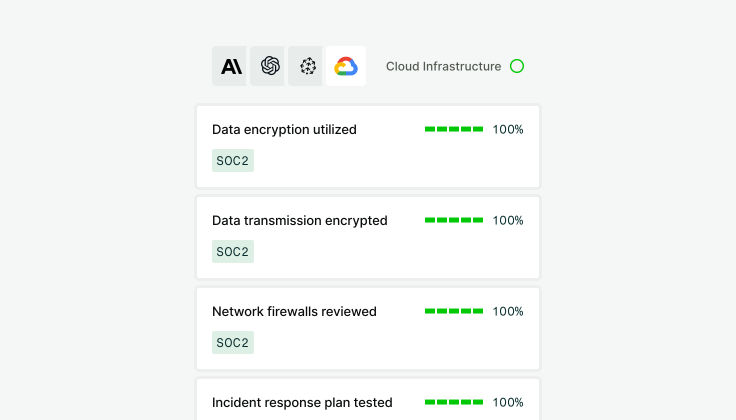
Encrypted in transit. Secured at rest.

Icon Grid Item Icon

Secure Agent Connections

User connection is secured using HTTPS secure web protocol, encrypting data flowing between your device and our servers. Access always requires successful user authentication.
Icon Grid Item Icon

Data Locked Down at Rest

Information you store in Terminal X, including content, database entries, and user data, is encrypted using the strong Advanced Encryption Standard (AES)-256 before it's written to disk.
Icon Grid Item Icon

Infrastructure-Level Protection

We utilize AWS and Google Cloud Platform's built-in encryption for the underlying storage systems, adding additional layers of defense.
Icon Grid Item Icon

Database Encryption

Client specific DBs, Terminal X Web Index, Search Engine, Private Datarooms where your data is stored are directly encrypted
Security Policies with the Highest Global Standards
Terminal X Agents deliver secure, compliant, and customizable solutions for investment firms who trust their data with us.
Security Ops
Data Governance System built for resilience
Clock Icon
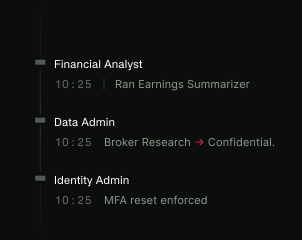
Audit Controls, User Activity Reporting
Terminal X maintains Logs of all User Activity. Client Security Teams can limit Terminal X functionality and broad access controls at a user by user level.
Reliable backups, 24/7 risk management
Umbrella Icon
Data Isolation & Access Levels
Terminal X provides a Private Dataroom (‘Dataroom’) environment to Enterprise users with platform subscription. Private datarooms enforce confidential, controlled, and secure access to sensitive content.

This system ensures that all documents and data shared within a data room are strictly governed by access permissions, enforced at every layer of the application. The architecture is designed to meet the expectations of financial institutions that require strict compliance and FINRA and SEC regulations.
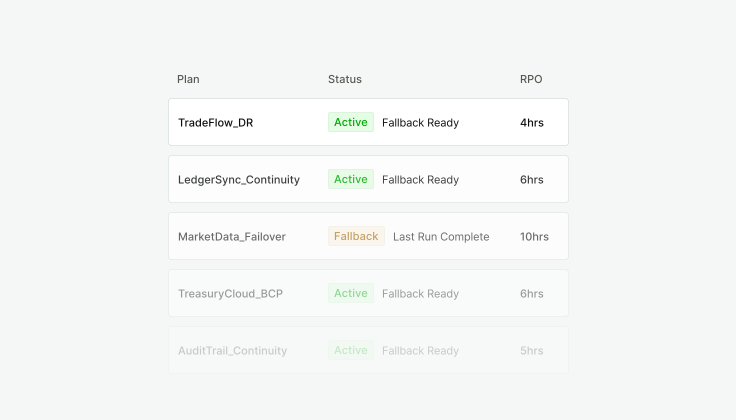
Disaster-ready by design
Security Icon
Secret Key
Each organization has an assigned AES-256 secret key. This key is used for encrypting & decrypting private user files. Every 7 days, the keys are rotated and the files are re-encrypted. The keys are stored in Google Cloud SQL, and only be accessed from the production system.

On user query processing, the process can only use the user organization’s secret key. Therefore, it cannot access other organization’s files.
Active risk monitoring & mitigation
Security Icon
Permission System
The system operates on a zero trust model: access must be explicitly granted—there is no inheritance or default access, and can be revoked at any time.

Permissions are granted on a pre-determined access_level, with every relationship recorded in a centralized access registry. These access_levels clearly define who can:
  • View & Access Folders/Files
  • No View & No Access

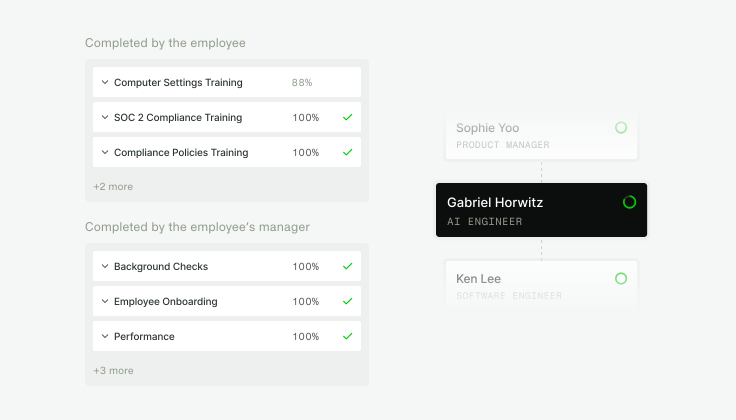
Security-first culture & training